 100% Private100% Private
One guide per tool, written for bloggers and store owners: what the tool does, when to use it, and the settings that actually help, with no upload and no signup.

Image Guide
Compressing product images one by one is slow, and uploading them to a cloud compressor is a privacy risk for store owners. Bulk compression in the browser solves both problems: you drop in up to 20 images, choose a quality setting, and download the smaller files, plus a ZIP of the whole batch. Read more →

Image Guide
WebP is Google's recommended format for web images because it is smaller than PNG and JPG at similar quality. Converting in bulk, in your browser, means you do not upload your photos to convert them.

Image Guide
Most uploaded images are far larger than they need to be. A 4000-pixel photo displayed at 800 pixels wide still costs the full download time. Resizing to the display size is the single biggest speed win for most blogs.

Image Guide
Cropping is not just cutting off edges. It is choosing what the reader looks at first. A tight crop on a product, a face, or a detail will outperform a wide, busy photo on a blog header or a product listing.
Image Guide
A plain white or solid-colour background is the easiest background to remove, and it is also the most common one for product photos and logos. This tool does that job in the browser, without AI cutout claims it cannot keep.

Image Guide
Many forms, job portals, and marketplaces reject images over a set size, often 50 KB, 100 KB, or 200 KB. Guessing quality settings to hit that number is frustrating. A target-size tool does the guessing for you.
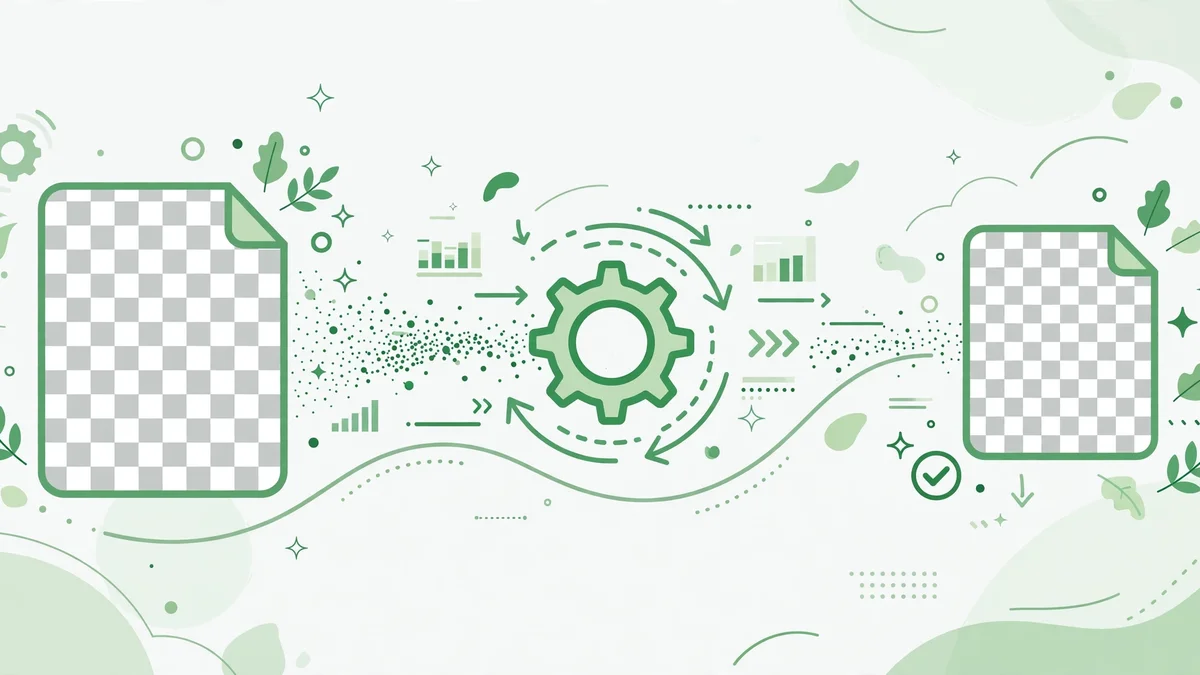
Image Guide
PNG is the right format for logos, icons, and graphics with sharp edges and transparency, but it is often unnecessarily large. Optimising it, without converting to JPG, keeps those edges and that transparency intact.
Image Guide
WordPress will accept any image size, but it will not make a slow image fast. Uploading a 4000-pixel photo as a featured image, then letting the theme shrink it, still costs the full download. The fix is to upload at the right size in the first place.

Image Guide
If you compress images every week for the same blog or store, retyping the same quality, size, and format settings every time is wasted work and a source of inconsistency. Saved presets fix that.

Image Guide
iPhones save photos as HEIC by default, which is smaller than JPG but not accepted by many blogs, stores, and form uploads. Converting HEIC to JPG or WebP makes those photos usable everywhere.