 100% Private100% Private
Image Guide
PNG is the right format for logos, icons, and graphics with sharp edges and transparency, but it is often unnecessarily large. Optimising it, without converting to JPG, keeps those edges and that transparency intact.
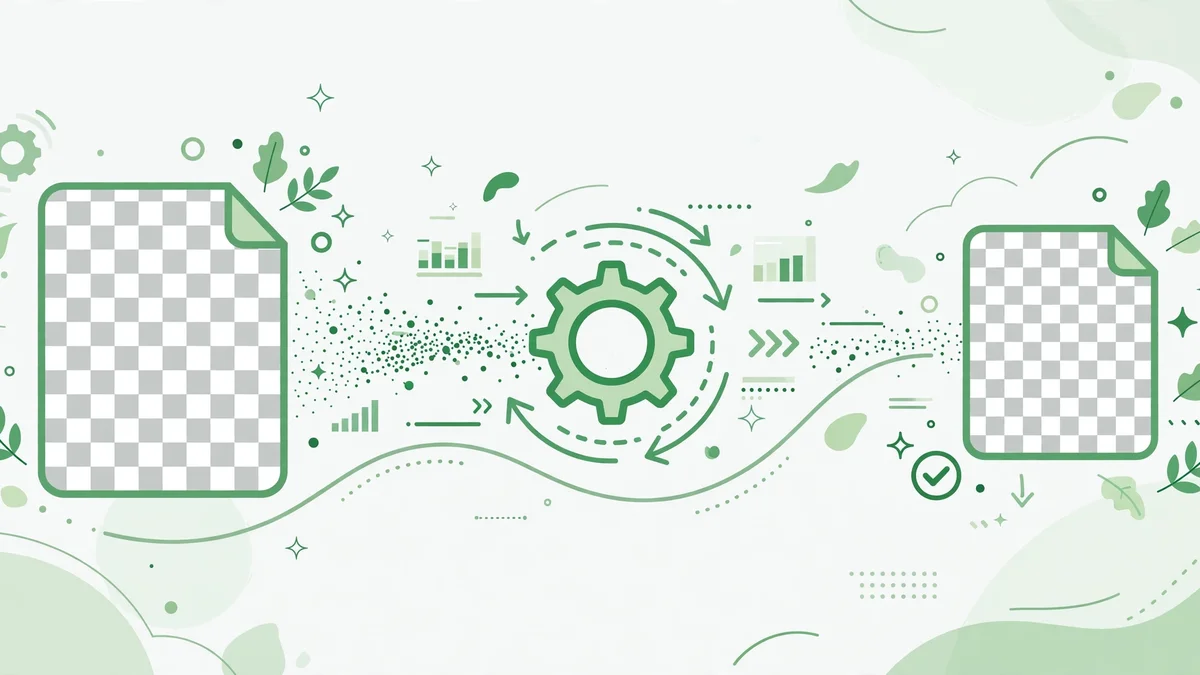
Re-encoding a PNG strips metadata and rewrites the pixel data more efficiently, which alone can save a noticeable percentage with no visible change.
Resize first if the PNG is larger than its display size. A 2000-pixel logo displayed at 200 pixels is wasted bytes, no matter how well it is encoded.
Check transparency after optimising, on both light and dark backgrounds. A good optimiser keeps the alpha channel exactly as it was, it does not flatten it to white.