 100% Private100% Private
Image Guide
A plain white or solid-colour background is the easiest background to remove, and it is also the most common one for product photos and logos. This tool does that job in the browser, without AI cutout claims it cannot keep.
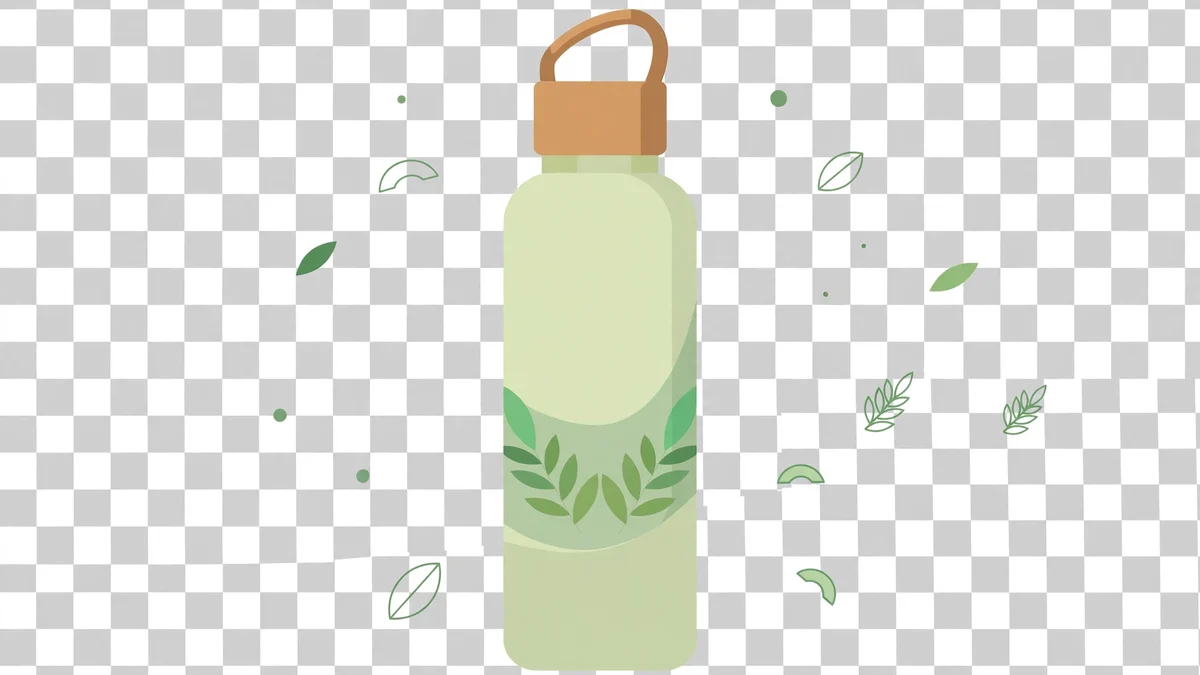
Pick a photo with a truly plain background, a studio white, a solid colour, or a plain wall. The tool matches that colour within a tolerance you set, and turns it transparent.
Start with a low tolerance and increase it slowly. Too high a tolerance eats into the subject's edges, especially white products on a white background. Too low leaves a halo.
Download as PNG, because JPG cannot hold transparency. Check the result on a dark background as well as a light one, a halo that is invisible on white will show on dark.
Honest limit: this is plain-background removal only. Busy, patterned, or natural backgrounds need a different, AI-based tool, and this page does not pretend otherwise.